
 خبری دربارهی Ronin (RON)
Here Are The Most Amazing Features Of The Ronin Wallet
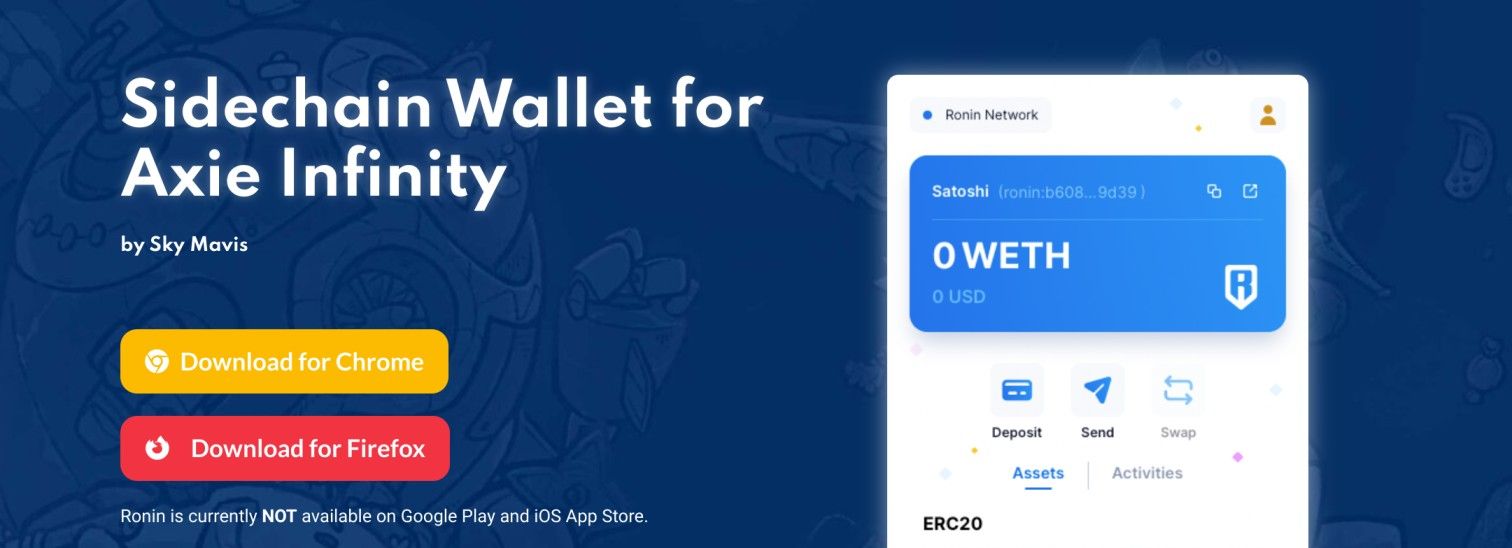
Without a doubt, the decentralized finance market has grown over the years since it first caught the attention of traders. This is no small thanks to the number of various projects that developers have introduced in the sector such as the Ronin wallet. But while some traders are focusing on the trading aspect of the sector, others are focusing on more fun parts. A typical example is the Axie Infinity game that has been around for quite a while. Axie Infinity, a game based on Ethereum, allows players to collect specific in-game artifacts called Axies. Despite the blockchain game providing an avenue for users to have fun, its services have been limited by the problems of Ethereum. To get rid of the issues bugging the Ethereum blockchain from affecting the gameplay, the game developers unveiled the Ronin blockchain. According to the developers, the Ronin network is a sidechain that was specially made for Axie Infinity. In this article, we will be looking at the Ronin wallet and how to use it. What is Ronin wallet? Ronin wallet is the wallet built on the Ronin blockchain for Axie Infinity players. Just like MetaMask and some other wallets, it is a browser extension wallet. This means that for it to work perfectly, it needs to be added to a browser. Besides using the wallet to play Axie Infinity, traders can also use it to carry out other transactions because of its low transaction fees. Players can also use the wallet to play other blockchain games developed on Ronin. How to create a Ronin wallet Just as mentioned above, you need the Ronin wallet to play the popular Axie Infinity game. To kickstart the process of creating your Ronin wallet, you will need a compatible browser to use it. For the sake of this tutorial, we will be making use of the popular Google Chrome Browser. After downloading your Chrome browser, you will need to add the Ronin wallet to the browser as an extension. The next step is to open the app and locate the extension icon. Click on the Ronin wallet extension and launch the app. The app would open and present you with an interface where you will click on the ‘Get Started’ tab. After clicking on the tab, the next page requires you to either set up a new wallet or insert a recovery phrase. For the sake of this tutorial, we will be setting up a new wallet. You will then need to set up a password that contains at least eight characters. After inserting the password, you will be required to re-enter it to confirm. After that, you will need to click on the ‘Create Wallet’ tab to move to the next step.
عنوان اصلی (انگلیسی): Here Are The Most Amazing Features Of The Ronin Wallet
مشاهدهی خبر کامل در منبع ↗ بازگشت به Roninاین خلاصه بهصورت خودکار از کوینمارکتکپ ترجمه شده و ممکن است خطای ماشینی داشته باشد؛ صرفاً جهت اطلاعرسانی است و توصیهی معاملاتی نیست.